Free name sign generator for 3D printing
Type a name and watch it turn into a sign. Go with a cut-out that traces the letters, chunky letters that stand on a desk, a classic sign framed by a border, or a plate you can screw onto a bedroom door. Choose your font and colors, check it in 3D, and download it free for your printer.
Choose a design
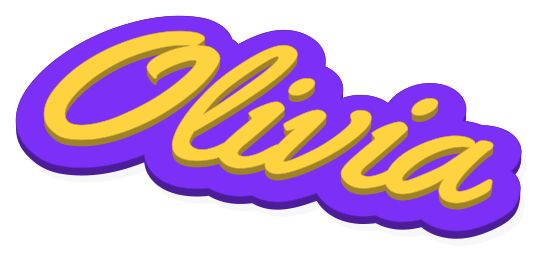 Cut-Out Name SignBold raised letters in the font you like, on a base trimmed to match their outline. There’s room for a logo too, and two colors need just one filament swap.3 siblings, one free download
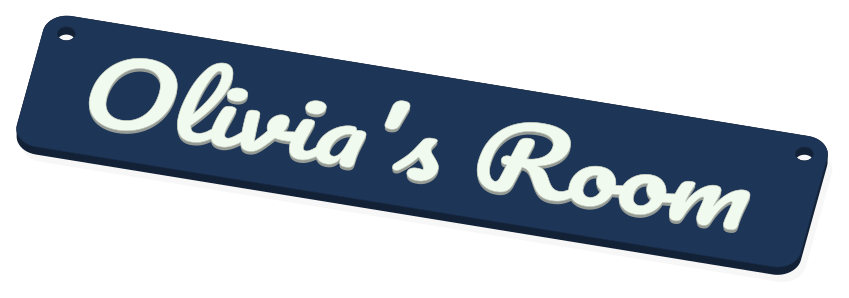 Door SignA rounded plate with a name, plus two screw holes up top so it mounts flat on a door. A logo or icon is optional; two colors, one swap.3 siblings, one free download
 Standing Desk NameChunky letters with a flat bottom so they stay upright on a desk or shelf, the name raised on the front in a contrasting color. Prints lying flat, with one swap.3 siblings, one free download
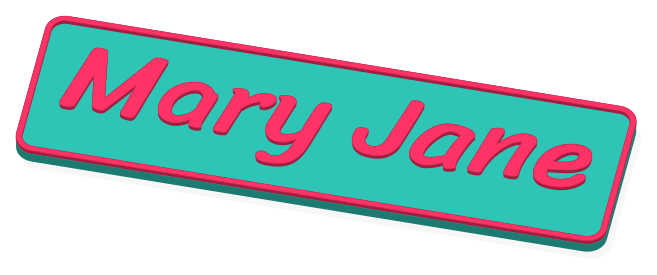 Classic Name SignYour name across a rounded rectangle, framed by a raised edge in the same color as the letters. Put a logo beside or above it; two colors need just one swap.3 siblings, one free download
Making them
- Choose a sign style and type the name. Most signs take two lines, handy for a room name or a year.
- Try fonts until one feels right, set the Size, and pick two colors. Add an icon or your own art from Logo.
- Pick your printer so the sign fits its bed, and switch to On the print bed to see how it lays out.
- Sign in with Google and press Download free. Slice it with your usual settings and start the print.
Questions people ask
- What’s the difference between the four signs?
- The Cut-Out Name Sign sits on a base shaped around the letters, nice on a shelf or a nursery wall. The Standing Desk Name is thick block letters on a flat bottom, so it stays upright by itself. The Door Sign is a rounded rectangle with two holes for screws. The Classic Name Sign adds a matching border around the name.
- How large will it print?
- Pick your printer first and the sign is sized to fit its bed. Want something bigger? A printer with a larger bed gives you more room.
- Can I make a sign for each of my kids at once?
- Yes. Type one name, then add the others in Make a set. Up to 31 signs share the same font and colors and come as a single download.
- Can a single-color printer do the two colors?
- Yes. You pause once at the layer height given with your download, swap the filament, and resume. Printers with a filament changer swap on their own.
- Can I sell signs I print from here?
- Sure. Etsy, craft fairs, your own shop: the signs you print are yours to sell. Keep the files to yourself, though; they aren’t for sharing or resale.